Hunting Simulator 3 system requirements: PC Guide
Check Hunting Simulator 3 minimum and recommended PC specs, RAM, graphics cards, storage, and demo availability before launch.
Can Your PC Handle Hunting Simulator 3?
The Hunting Simulator 3 system requirements give you a useful starting point before you head into Colorado or Texas. Checking them now can help you avoid buying a game your PC cannot comfortably handle—or upgrading hardware unnecessarily. The official Hunting Simulator 3 system requirements list Windows 11, 8 GB of RAM, and an RTX 2060 or RX 5600 XT as the minimum configuration.
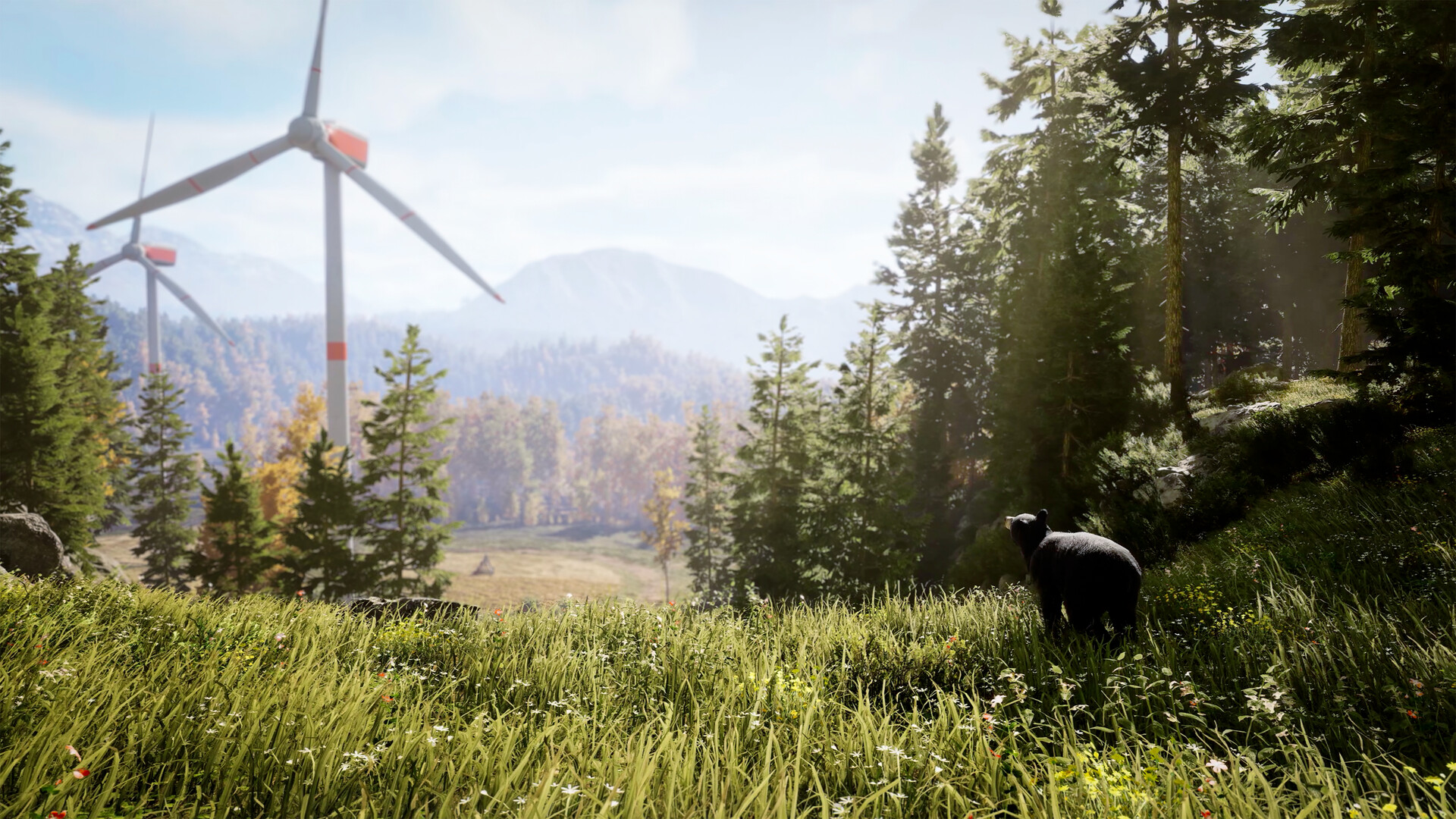
Official screenshot · Source: Steam store
There is a significant jump between the minimum and recommended processors, however, and the published specifications do not include frame-rate targets. That makes it important to separate confirmed requirements from performance assumptions.
This guide covers the official PC specifications available as of October 26, 2026, explains their limitations, and walks you through checking your computer before the scheduled October 29 release.
Hunting Simulator 3 System Requirements: Official PC Specs
The requirements published on Steam and Nacon’s product page match. Both list a 64-bit Windows 11 system, DirectX 12, and 25 GB of available storage.
Here is the complete side-by-side comparison, based on the official Hunting Simulator 3 Steam system requirements.
| Component | Minimum requirements | Recommended requirements |
|---|---|---|
| Operating system | Windows 11, 64-bit | Windows 11, 64-bit |
| Intel processor | Core i5-9400F | Core i5-14600K, 3.5 GHz |
| AMD processor | Ryzen 5 3600 | Ryzen 9 7900X, 4.7 GHz |
| System memory | 8 GB RAM | 16 GB RAM |
| Nvidia graphics | GeForce RTX 2060, 6 GB | GeForce RTX 4060, 8 GB |
| AMD graphics | Radeon RX 5600 XT, 6 GB | Radeon RX 6800 XT, 16 GB |
| DirectX | Version 12 | Version 12 |
| Available storage | 25 GB | 25 GB |
| Architecture | 64-bit processor and operating system | 64-bit processor and operating system |
Minimum requirements: the published entry point
The minimum specification is the baseline to compare against, not a promise of smooth gameplay at a particular resolution.
For example, a desktop with a Ryzen 5 3600, RTX 2060 6 GB, 8 GB RAM, and Windows 11 matches the listed minimum components. However, the official listing does not say whether that configuration targets 30 FPS, 60 FPS, or a specific graphics preset.
If your PC is close to this level, testing the demo is more informative than assuming what “minimum” means.
Recommended requirements: a higher hardware target
The recommended configuration doubles system memory to 16 GB and lists substantially newer processors. It also names an RTX 4060 8 GB or RX 6800 XT 16 GB.
Treat those graphics cards as the publisher’s listed options, not as a claim that they deliver identical performance. The two models have different capabilities, and their VRAM capacities are not universal requirements for every supported card.
Most importantly, the recommended specifications are not labeled as a 1440p, ultra-settings, or 60 FPS target.
What These Specs Tell You—and What They Don’t
The Hunting Simulator 3 system requirements are specific about hardware models but leave several practical questions unanswered. Understanding those gaps helps you make a better buying decision.
| Question | Confirmed information | What remains unspecified |
|---|---|---|
| Is Windows 11 listed? | Yes, at both requirement levels | Whether Windows 10 works reliably |
| How much RAM is needed? | 8 GB minimum; 16 GB recommended | Memory use in every gameplay situation |
| Is an SSD mandatory? | No drive type is specified | HDD loading times and streaming behavior |
| What resolution do the specs target? | No resolution is provided | Expected performance at 1080p, 1440p, or 4K |
| Is 60 FPS guaranteed? | No frame-rate target is provided | FPS for each hardware combination |
| Is Steam Deck verified? | Compatibility is marked Unknown | Official handheld performance expectations |
Windows 11 is the listed operating system
Both requirement tiers name Windows 11 64-bit. Windows 10 is not included in the published configuration.
That does not prove the game cannot launch on Windows 10, but it does mean you should not treat Windows 10 compatibility as confirmed. If you are still using it, look for official clarification rather than assuming DirectX 12 support alone settles the question.
Likewise, the supplied requirements do not list native macOS or Linux versions.
RAM and VRAM are different checks
System RAM and graphics memory serve different purposes. Having 16 GB of system RAM does not compensate for a graphics card that falls below the listed GPU baseline.
The minimum cards each have 6 GB of VRAM. At the recommended level, the Nvidia option has 8 GB and the AMD option has 16 GB. This does not establish a blanket 16 GB VRAM requirement.
For a practical comparison, check your exact GPU model first and its memory capacity second. A card’s VRAM number alone cannot establish whether it meets the requirements.
Storage capacity is not download size
The official storage requirement is 25 GB of available space at both tiers. That figure should not be presented as a confirmed download size or a guarantee that future updates will never increase the footprint.
Leaving extra drive space is sensible for installation work and updates. An SSD is also a reasonable general preference for a modern gaming installation, but it is not explicitly required by the published specifications.
How to Check Your PC Before Buying
You can compare your computer with the Hunting Simulator 3 system requirements using Windows’ built-in tools. You do not need to install a third-party hardware scanner.
| Step | Where to look | What to record |
|---|---|---|
| 1. Check Windows | Settings → System → About | Windows edition, system type, processor, installed RAM |
| 2. Identify your GPU | Task Manager → Performance → GPU | Full graphics-card model |
| 3. Check VRAM | Task Manager → Performance → GPU | Dedicated GPU memory |
| 4. Review DirectX | Press Windows + R, enter dxdiag | DirectX version and display-device information |
| 5. Check storage | File Explorer → This PC | Free space on the intended installation drive |
In dxdiag, the System tab reports the installed DirectX version. That number alone does not establish that an older graphics card meets the game’s requirements; you still need to compare the GPU itself.
Compare the whole system, not one strong component
A capable graphics card does not automatically make the rest of the machine suitable. Check the CPU, RAM, operating system, and available storage separately.
These examples illustrate how to read the listing—not how many frames you will get:
| Example PC configuration | Comparison with the official listing | Sensible next step |
|---|---|---|
| i5-9400F, RTX 2060 6 GB, 8 GB RAM, Windows 11 | Matches the listed minimum components | Test the demo before committing |
| Ryzen 5 3600, RX 5600 XT 6 GB, 16 GB RAM, Windows 11 | Matches minimum CPU/GPU and recommended RAM | Evaluate actual responsiveness and visual settings |
| i5-14600K, RTX 4060 8 GB, 16 GB RAM, Windows 11 | Matches a recommended configuration | Test at your intended resolution |
| Strong CPU and GPU, but only 4 GB system RAM | Below the listed RAM minimum | Address the memory shortfall |
| Listed hardware running Windows 10 | Hardware may match, but OS differs | Check compatibility before purchasing |
Be careful with laptop graphics names
The requirement list names desktop graphics cards. A laptop GPU with a similar name should not automatically be treated as an exact equivalent.
Laptop performance can vary with power limits and cooling. Identify your precise laptop GPU, then use testing or relevant benchmarks rather than comparing names alone.
The same caution applies to integrated graphics. The official minimum names discrete GPUs, so an integrated solution needs separate evidence before you assume it will provide an acceptable experience.
Use the Demo to Make a Better Purchase Decision
If you are near the minimum Hunting Simulator 3 system requirements, the demo is your most useful prelaunch check.
An October 26 Steam announcement says the demo remains available until the full game launches on October 29. That updates an earlier announcement mentioning October 26 as the endpoint. Check the store page for current availability if you are reading this later.
Hunting Simulator 3 includes open-world environments, animal behavior driven by its SimFauna system, hunting dogs, vehicles, and a customizable lodge. Testing different activities gives you a better picture than standing still in one quiet location.
Follow a repeatable testing routine
Use your normal monitor resolution and make one settings change at a time. This keeps the results understandable.
| Test | What to do | What to watch for |
|---|---|---|
| Initial baseline | Play at one consistent resolution and preset | General smoothness and image quality |
| World traversal | Move through varied terrain | Stutter, pauses, or uneven frame delivery |
| Wildlife encounters | Observe and track animals | Changes in responsiveness during activity |
| Longer session | Play beyond the first few minutes | Performance changes as the system warms up |
| Settings comparison | Change one available option, then repeat a route | Whether that adjustment meaningfully helps |
If performance is poor, begin with changes that are easy to reverse:
- Close unnecessary background programs to reduce competition for memory and processing resources.
- Update your graphics driver before drawing firm conclusions.
- Lower resolution or render scale, if available, to test whether reducing rendering load helps.
- Adjust individual graphics options rather than changing everything simultaneously.
- Monitor both FPS and visible stutter; an average frame rate can hide distracting pauses.
These are general troubleshooting steps, not confirmed game-specific optimization settings. The demo may also differ from the final release build.
Avoid upgrading from the spec sheet alone
The Hunting Simulator 3 system requirements tell you which configurations the publisher lists, but they cannot identify your personal upgrade priority.
If your system is already near the recommended tier, test first. If it is below minimum in several areas, replacing just one part may not solve the problem.
There is also no separate published requirements table for the Standard and Apex Predator editions in the supplied listings. Do not assume buying the premium edition requires a different PC configuration.
The best approach is to use the Hunting Simulator 3 system requirements as your first filter, then use direct testing to judge whether the experience meets your expectations.
FAQ: Hunting Simulator 3 PC Requirements
What are the minimum Hunting Simulator 3 system requirements?
You need Windows 11 64-bit, an Intel Core i5-9400F or AMD Ryzen 5 3600, 8 GB RAM, and an RTX 2060 6 GB or Radeon RX 5600 XT 6 GB. The listing also specifies DirectX 12 and 25 GB of available storage.
Can I play Hunting Simulator 3 with 8 GB of RAM?
8 GB meets the official minimum memory requirement. However, your CPU, GPU, and operating system must also meet the listed specifications. The recommended memory capacity is 16 GB, and neither tier comes with a published FPS guarantee.
Does Hunting Simulator 3 require an SSD?
The official requirements specify 25 GB of available storage without naming an SSD or HDD requirement. An SSD is a sensible general preference, but it should not be described as mandatory based on the current listing.
Will Hunting Simulator 3 run on Steam Deck?
Steam lists Steam Deck compatibility as Unknown as of October 26, 2026. That is neither a Verified rating nor confirmation that it is unsupported. Wait for compatibility testing or try the demo if available; the published Windows desktop requirements do not establish handheld performance.
Related Guides
Hunting Simulator 3 game mechanics: Beginner Guide
Learn Hunting Simulator 3 game mechanics, from SimFauna wildlife and dog commands to weapons, tracking, gear, and demo limitations.
Hunting Simulator 3 tips: Beginner Hunting Guide
Learn essential Hunting Simulator 3 tips for licenses, tracking, gear, dogs, and settings, plus the demo limits to know before your first hunt.
Hunting Simulator 3 trophy list: Status and Guide
Check the Hunting Simulator 3 trophy list verification status, understand Gold animal ratings, and prepare a reliable achievement checklist.
Hunting Simulator 3 early access: Demo & Release Guide
Hunting Simulator 3 early access explained: Steam demo availability, October 29 release, platforms, PC specs, and what preview gameplay reveals.
Hunting Simulator 3 PC: Release, Specs & Steam Guide
Get Hunting Simulator 3 PC release details, system requirements, Steam demo availability, controller support, and practical hunting tips.